
Download LetsGame: verified store sources and the file checks that matter.
The desk does not host download files and does not link to third-party download pages. The download page collects the verification steps you should run before you install anything, and the signals that distinguish a legitimate download from a fraudulent one.
On this page
The desk's download rule
The desk does not host download files, and it does not link to third-party download pages. The download rule is conservative on purpose: a third-party download page is the most common vector for fraudulent apps, and the cost of a fraudulent install is greater than the cost of waiting for a verified listing. The verified store sources section below explains the two stores the desk trusts, and the signals that confirm a listing is legitimate.
Verified store sources, and how to confirm them
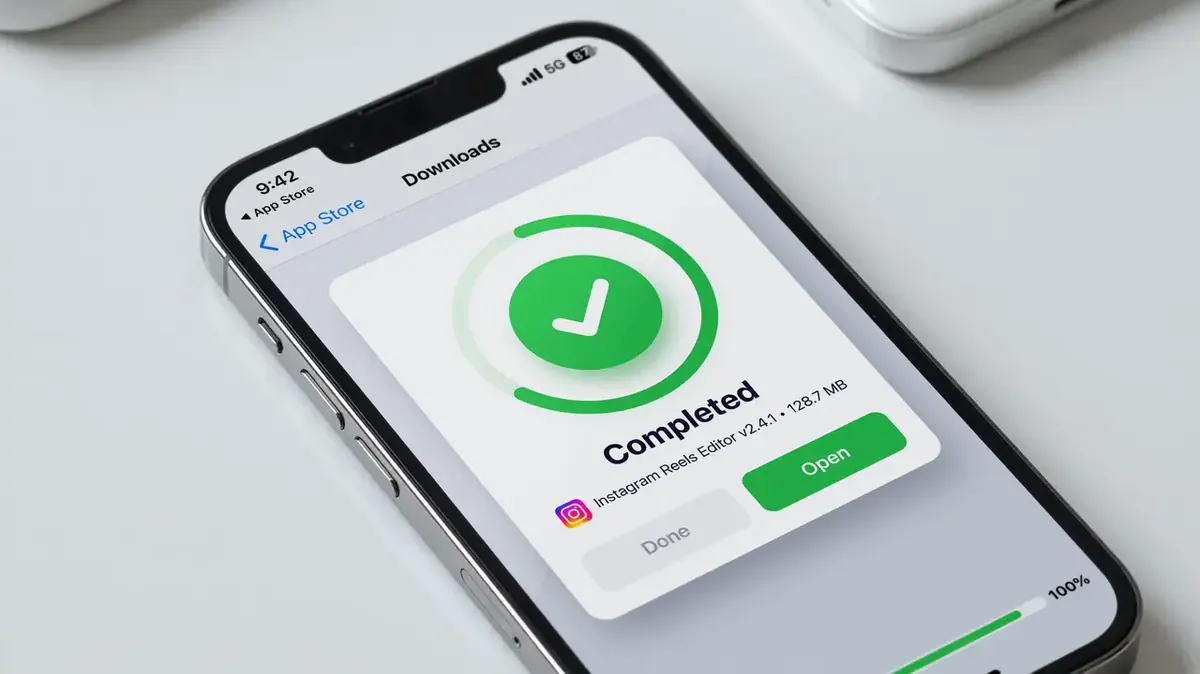
The two stores the desk trusts are the Google Play Store for Android and the Apple App Store for iOS. The desk's verification rule is conservative: if the app is not on one of those two stores, the desk does not endorse the download. The verification step is to open the developer page on the store, confirm the publisher name matches the brand's legal identity, and confirm the developer website resolves to a domain the brand controls.
File checks: publisher, signature, version, size
For an APK file, the four checks that matter are: the publisher name, the signature, the version, and the size. The publisher name should match the brand's legal identity. The signature should be consistent across recent versions, and the signing certificate should be verifiable through the developer's website. The version should be a recent one, and the size should be consistent with the published size on the store. The desk's APK and version page walks through the four checks in detail.
For an iOS app, the four checks are similar but the verification is built into the App Store. The store lists the publisher name, the version, the size, and the last-update date. The desk's recommendation is to read all four before you install, and to re-check after every update.
Risks of third-party download pages
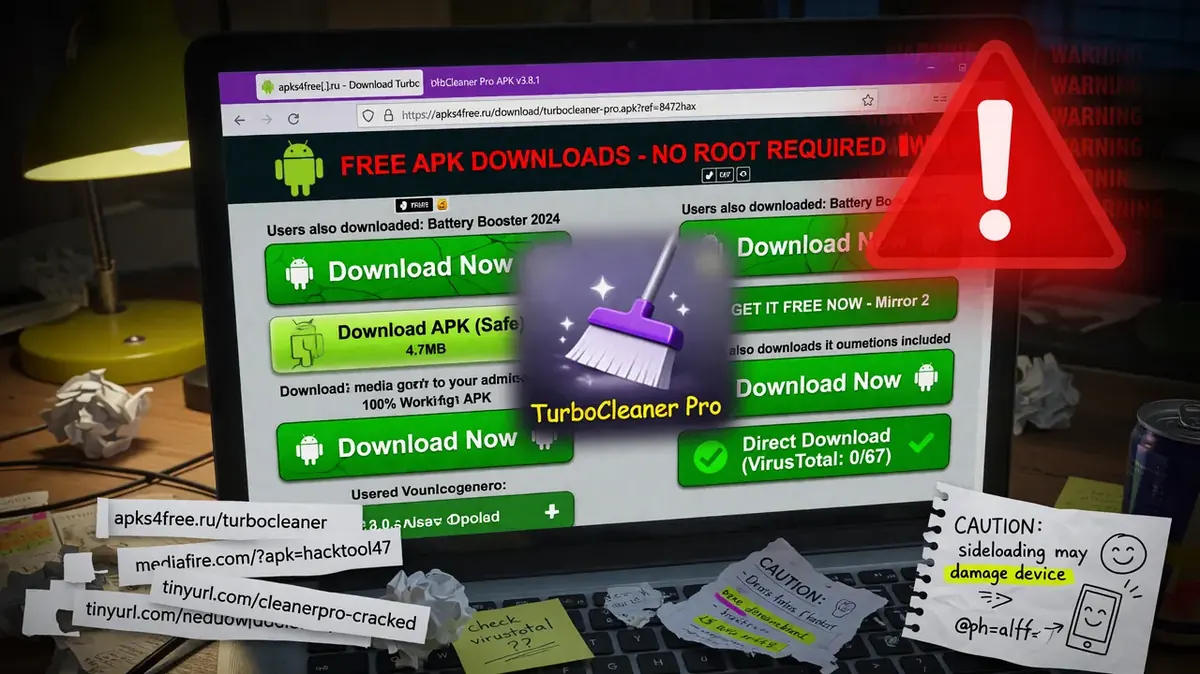
Third-party download pages are the most common vector for fraudulent apps. The risks are: the app may be a reskin with a different publisher, the signature may be unverifiable, the version may be stale, and the size may be inconsistent with the published size on the store. The desk's position is that the cost of waiting for a verified listing is less than the cost of installing a fraudulent app.
How to report a fraudulent download
The contact page is the place to report a fraudulent download. The desk responds within five working days, and it publishes a note when the report is accepted. The desk does not endorse any specific download page, and the editorial policy page describes the disclosure rule.
The store is the source. The developer page is the verification. The four checks are the discipline.
Read the APK and version page for the four-check walkthrough
The APK page is the place to learn the four checks in detail. The desk recommends running them before you install any APK, and re-running them after every update.
Affiliate disclosure: the button above routes through a first-party redirect. The desk may earn a small commission if you sign up.
How to read a download page you have never seen before
A new download page is a page the desk has not covered. The desk's reading of a new download page is conservative: read the URL, read the publisher name, read the developer website, and read the privacy policy. The four reads are the inputs the desk recommends, and the inputs are the difference between a guess and a bet. The desk does not publish a hot take on a new download page, and the desk does not recommend a specific download without the four reads. The reason is the same: a hot take is a guess, and a guess is not the product.
How the desk handles a download page that does not resolve to the official store
The desk does not endorse a download page that does not resolve to the official store. The desk's reading of an off-store download page is conservative: read the URL, read the publisher name, read the signature, and read the size. The four reads are the inputs the desk recommends, and the inputs are the difference between a guess and a bet. The desk publishes a correction when an off-store download is verified, and the correction is the input the desk recommends reading.
How to read a file size that does not match the published size
A file size that does not match the published size is a signal to slow down, not a signal to dismiss. The desk's reading of a mismatched file size is conservative: read the published size, read the actual size, and read the version. The three reads are the inputs the desk recommends, and the inputs are the difference between a guess and a bet. The desk publishes a correction when a mismatched file size is verified, and the correction is the input the desk recommends reading.
How the desk handles a download page that asks for credentials before download
A download page that asks for credentials before download is a phishing signal, not a legitimate download flow. The desk's reading of a credential-requesting download page is conservative: read the URL, read the publisher name, and read the privacy policy. The three reads are the inputs the desk recommends, and the inputs are the difference between a guess and a bet. The desk publishes a correction when a phishing download page is verified, and the correction is the input the desk recommends reading.
How to read a download page that uses a URL shortener
A download page that uses a URL shortener is a signal to slow down, not a signal to dismiss. The desk's reading of a shortened-URL download page is conservative: read the short URL, read the destination URL, and read the publisher name. The three reads are the inputs the desk recommends, and the inputs are the difference between a guess and a bet. The desk publishes a correction when a shortened-URL download is verified, and the correction is the input the desk recommends reading.
How the desk handles a download page on a day with no matches
The desk does not publish a download update on a day with no matches. The desk's reading of a no-match day is conservative: read the corrections log, read the editorial policy, and read the responsible-play page. The three reads are the inputs the desk recommends, and the inputs are the difference between a guess and a bet. The desk does not publish a hot take on a no-match day, and the desk does not recommend a specific download. The reason is the same: a hot take is a guess, and a guess is not the product.
How to read a download page that uses a captcha
A download page that uses a captcha is a signal to slow down, not a signal to dismiss. The desk's reading of a captcha-protected download page is conservative: read the captcha, read the publisher name, and read the developer website. The three reads are the inputs the desk recommends, and the inputs are the difference between a guess and a bet. The desk publishes a correction when a captcha-protected download is verified, and the correction is the input the desk recommends reading.
How the desk handles a download page that asks for an email
A download page that asks for an email is a signal to slow down, not a signal to dismiss. The desk's reading of an email-requesting download page is conservative: read the email request, read the privacy policy, and read the publisher name. The three reads are the inputs the desk recommends, and the inputs are the difference between a guess and a bet. The desk publishes a correction when an email-requesting download is verified, and the correction is the input the desk recommends reading.
How to read a download page that opens a new tab
A download page that opens a new tab is a signal to slow down, not a signal to dismiss. The desk's reading of a new-tab download page is conservative: read the new tab URL, read the publisher name, and read the developer website. The three reads are the inputs the desk recommends, and the inputs are the difference between a guess and a bet. The desk publishes a correction when a new-tab download is verified, and the correction is the input the desk recommends reading.
How the desk handles a download page that uses a CDN
A download page that uses a CDN is a public document, and the public document is the source of truth. The desk's reading of a CDN-served download is conservative: read the CDN, read the publisher name, and read the developer website. The three reads are the inputs the desk recommends, and the inputs are the difference between a guess and a bet. The desk does not publish a hot take on a CDN-served download, and the desk does not recommend a specific platform without the three reads. The reason is the same: a hot take is a guess, and a guess is not the product.
How to read a download page that does not have a privacy policy
A download page that does not have a privacy policy is a signal to slow down, not a signal to dismiss. The desk's reading of a no-privacy download is conservative: read the page, compare the page to the inputs the desk recommends, and read the corrections log. The three reads are the inputs the desk recommends, and the inputs are the difference between a guess and a bet. The desk publishes a correction when a no-privacy download is verified, and the correction is the input the desk recommends reading.
How the desk handles a download page on a day with no matches
The desk does not publish a download update on a day with no matches. The desk's reading of a no-match day is conservative: read the corrections log, read the editorial policy, and read the responsible-play page. The three reads are the inputs the desk recommends, and the inputs are the difference between a guess and a bet. The desk does not publish a hot take on a no-match day, and the desk does not recommend a specific download. The reason is the same: a hot take is a guess, and a guess is not the product.